From TikTok to Your Own Website: How to Repurpose Short Videos
You're already creating great short videos for TikTok and Reels. But those videos disappear in the algorithm. Learn how to repurpose them into a permanent, SEO-optimized website you own.
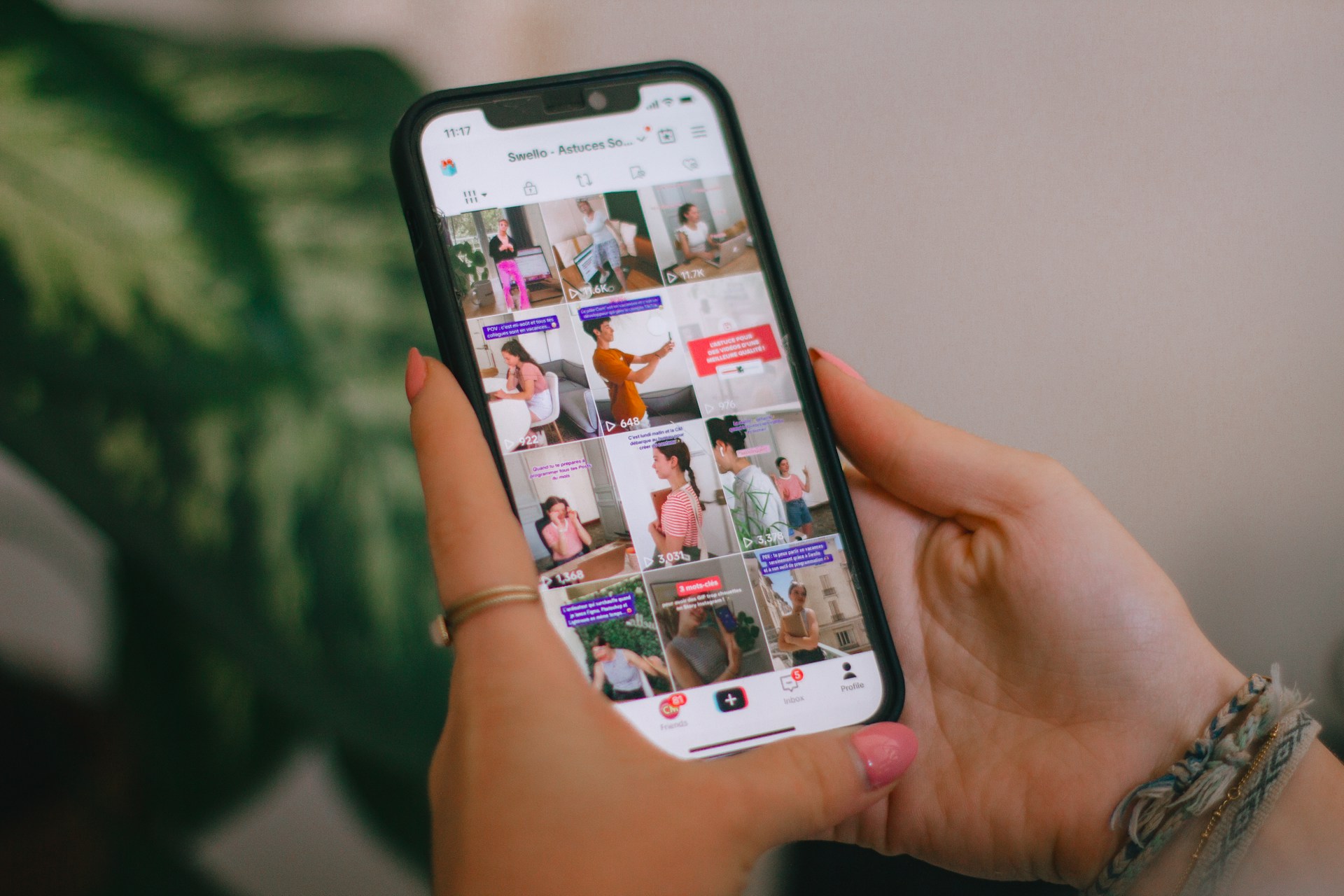
The Content Treadmill Problem
You spend hours creating short videos for TikTok, Instagram Reels, and YouTube Shorts. Some go viral, most get modest views, and all of them eventually disappear into the algorithm. Tomorrow, you do it all over again.
Here's the uncomfortable truth: you're building assets on rented land. TikTok owns the distribution. Instagram controls who sees your content. YouTube decides how much you earn. None of that changes until you own your platform.
Why Repurposing to Your Own Website Makes Sense
- Permanent visibility: Your website doesn't have an algorithm. Content you post today is findable forever via Google.
- SEO traffic: Short videos on your domain can rank in Google's Short Videos carousel, bringing you new audiences organically.
- Full monetization control: Sell products, offer services, collect emails — no platform taking a cut.
- Portfolio effect: Your best videos live in one curated place, not scattered across 4 different apps.
- Professional credibility: A branded video website signals "serious creator" to brands and clients.
The 4-Step Repurposing Framework
Step 1: Audit Your Best-Performing Content
Go through your TikTok and Reels analytics. Identify your top 10–20 videos by views, engagement rate, and saves. These are proven content pieces that your audience already loves — they deserve a permanent home.
Step 2: Download Without Watermarks
Most platforms let you download your original uploads. If not, use your phone's gallery where the original files are saved. The key is to use clean, watermark-free versions for your website — it looks more professional and avoids platform branding on your own site.
Step 3: Upload to web.Best
Upload your curated videos to web.Best. The platform handles transcoding, hosting, and CDN delivery automatically. AI generates a professional layout that showcases your videos in a scroll-friendly, mobile-first design.
Step 4: Optimize and Publish
Add your brand colors, profile photo, bio, and social links. Connect a custom domain. web.Best automatically generates video structured data for Google indexing. Hit publish — you now have a permanent video website.
What Happens After You Publish
- Replace the link in your social bios with your new video website.
- Share it in email signatures and business proposals.
- Google starts indexing your videos for relevant searches.
- New followers discover you through search — not just social algorithms.
- You build a direct audience that no platform can take away.
Social Platform vs. Your Own Video Website
| Factor | TikTok / Reels | Your web.Best Site |
|---|---|---|
| Content lifespan | 24–72 hours of visibility | Permanent |
| Discovery method | Algorithm-dependent | Google search + direct traffic |
| Audience ownership | Platform owns it | You own it |
| Monetization | Platform ad-share (limited) | Full control (products, services, links) |
| Branding | Platform UI dominates | 100% your brand |
| Analytics depth | Views, likes, shares | Engagement time, video insights, traffic sources |
The Best of Both Worlds
Repurposing doesn't mean quitting social media. Keep posting on TikTok, Reels, and Shorts — that's where discovery happens. But also build a permanent home for your best content on your own domain. Use social platforms for reach and your website for retention.
Start Repurposing Today
You already have the content. You already have the audience. All you need is a home for it that you control. Build your video website with web.Best in under 5 minutes — and turn your social content into a permanent, searchable, monetizable asset.
Share this article
Help others discover this content